 By Bemi Brooks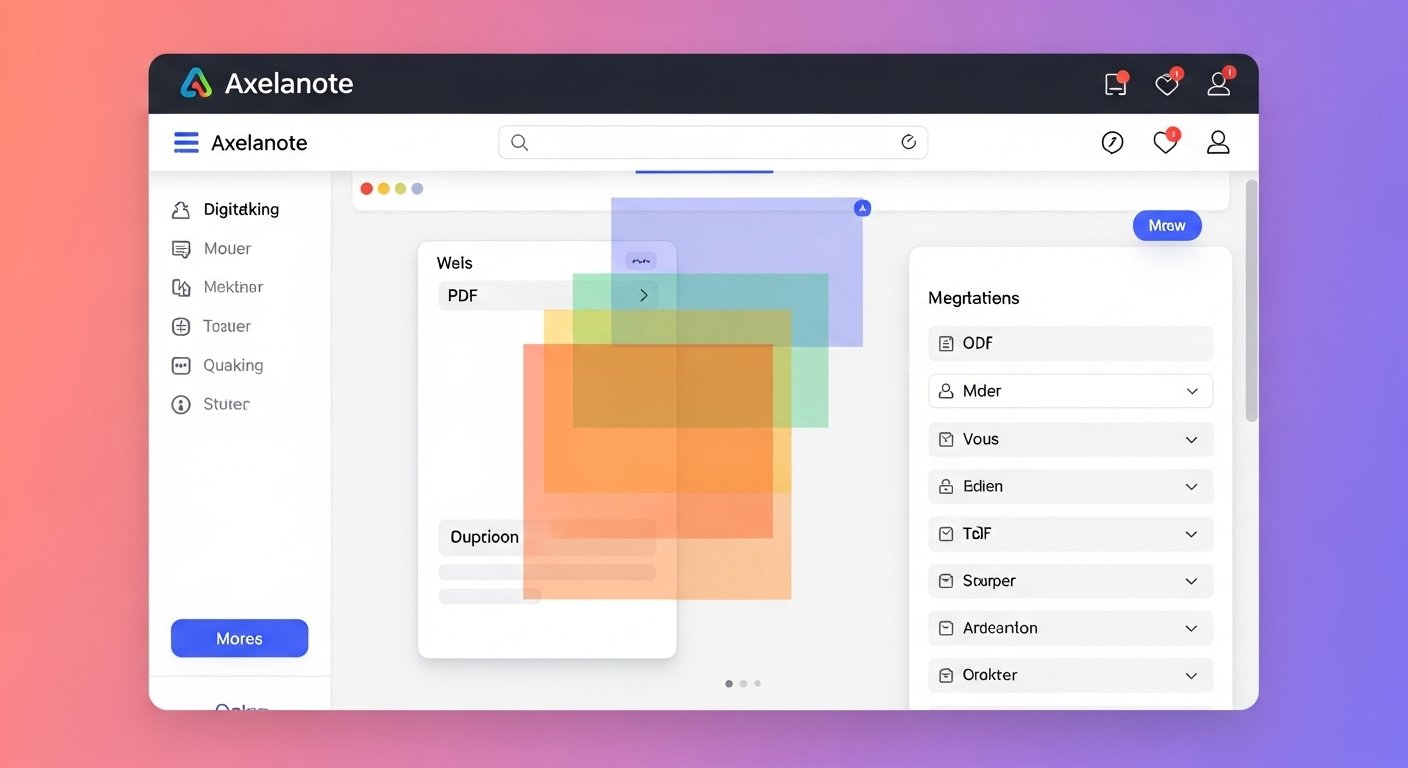
- Research suggests Axelanote excels in non-destructive PDF annotations, allowing users to add notes via an overlay layer without altering originals, making it ideal for protected documents.
- It seems likely that students and researchers benefit most from its stylus support and easy export options, streamlining study and analysis workflows.
- Evidence leans toward its affordability, with a 14-day free trial and low-cost plans starting around $3 monthly, though advanced features may require pro upgrades.
- While not without competition, Axelanote stands out for Windows users seeking secure, collaborative tools, though cross-platform options are limited.
Axelanote is a Windows-based tool that lets you annotate PDFs and images using a transparent overlay, keeping the original file intact. This approach solves common issues like cluttered edits or restricted access, perfect for anyone handling digital docs.
Download from the official site, install on Windows 10 or 11, and start with the 14-day trial. Open a PDF, select tools like pen or highlighter, and add notes on the overlay. Save annotations separately and export as needed.
For students prepping exams, highlight key points without messing up textbooks. Researchers can mark up papers securely. Project managers review plans collaboratively, and pros handle briefs efficiently.
Have you ever struggled with a PDF that you couldn’t edit, forcing you to print it out just to jot down notes? In today’s digital world, where over 80 percent of professionals rely on PDFs for work, this frustration is all too common. Enter Axelanote, a powerful note-taking software that revolutionizes how you interact with documents through its innovative PDF overlay technology.
This ultimate guide to Axelanote for enhanced note-taking will walk you through everything you need to know. Whether you’re a student cramming for finals, an academic researcher dissecting complex papers, a project manager coordinating team reviews, or a digital professional dealing with heavy documentation, Axelanote offers a streamlined, non-destructive way to annotate. Let’s dive in and see how this productivity app can transform your workflow.
At the heart of Axelanote is its patented overlay annotation system. Imagine placing a clear plastic sheet over a physical page: you can write, draw, or highlight on it without touching the original. That’s exactly what Axelanote does digitally. This transparent writing layer sits on top of any PDF or image, allowing you to add notes while preserving the file’s integrity.
Why does this matter? Traditional PDF editors often modify the source document, which can lead to version control issues or even violate security restrictions on protected files. With Axelanote, your annotations are stored in a separate AXL file, keeping things lightweight and secure. This non-destructive editing approach is a game-changer for paperless studying and document collaboration.
For example, picture a law student reviewing a case brief. Instead of printing and marking up pages, they open the PDF in Axelanote, circle key arguments with a stylus, add text notes on precedents, and save everything without altering the original. It’s efficient, eco-friendly, and keeps your digital workspace clutter-free.
Axelanote packs a punch with features tailored for real-world use. Here’s a breakdown:
- Stylus and Handwriting Support: Optimized for pen-enabled devices like Microsoft Surface or Wacom tablets, it offers pressure sensitivity and palm rejection for a natural writing feel. Great for screen writing or digital ink enthusiasts.
- Tool Variety: Choose from pens, highlighters, shapes, stamps, and text boxes. Automatic numbering helps with lists or issue tracking, reducing manual errors.
- Layer Management: Create multiple layers for different purposes, such as personal notes versus team feedback. Toggle them on or off for focused viewing.
- Export Options: Save annotations as CSV for data extraction or combine them into a new PDF/image for sharing. This supports academic research tools by turning notes into structured databases.
- Compatibility: Works seamlessly with restricted PDFs, including those that are print or edit-protected. No need to bypass security; just overlay your input.
Compared to other note-taking software, Axelanote shines in its focus on Windows users and non-destructive methods. While apps like Adobe Acrobat offer similar functions, they often require subscriptions and can bloat files. Axelanote keeps it simple and affordable.
| Feature | Axelanote | Adobe Acrobat | GoodNotes |
|---|---|---|---|
| Overlay Technology | Yes (Non-destructive) | Partial (Edits original) | Yes (iPad-focused) |
| Windows Compatibility | Native | Yes | No |
| Stylus Support | Advanced | Basic | Advanced |
| Pricing | Low-cost monthly | Higher subscription | One-time purchase |
| Export to CSV | Yes | Limited | No |
This table highlights why Axelanote is often hailed as the best digital annotation tool for Windows, especially for those prioritizing security and simplicity.
Ready to integrate Axelanote into your routine? Follow this beginner-friendly tutorial.
First, head to the official TransRecog website and download the installer. System requirements are straightforward: Windows 10 or 11, at least 4GB RAM, and an Intel processor. Installation takes minutes and requires admin privileges.
Once launched, you’ll see a clean interface. To open a document:
- Click “Open” and select your PDF or image.
- Enable annotation mode if not already active.
- Pick a tool from the toolbar, like the pen for freehand notes or highlighter for emphasis.
- Draw or type directly on the screen. Use zoom for precision.
- To add layers, go to the layer menu and create a new one for categorized notes.
- Save your work: Annotations go into an AXL file, separate from the original.
For export, choose “Export” and select PDF with overlay or CSV for text data. It’s that simple.
Take a student prepping for finals: They load lecture slides, highlight key terms in yellow, add definitions in text boxes, and export a CSV to create flashcards. No more switching apps or losing context.
If you’re new, check the quick guide video on YouTube for visual walkthroughs. It covers basics like tool selection and layer toggling in under five minutes.
Students, listen up. Axelanote turns chaotic study sessions into organized triumphs. With how to use Axelanote for students in mind, consider annotating textbooks without the guilt of permanent marks.
Use color-coding: Red for questions, blue for answers. The overlay keeps your digital library pristine. Plus, stylus support mimics writing on paper, helping with retention during long study hours.
One common doubt: Does it work on scanned PDFs? Absolutely, as long as they’re readable. Export notes to CSV for easy review in spreadsheets, perfect for exam prep.
For researchers, Axelanote is a top academic research tool. Dive into journal articles by marking hypotheses, data points, and critiques on separate layers.
Enhance productivity with Axelanote by linking annotations across documents. For instance, while analyzing a research paper, stamp “Reference” on key citations and export to build a bibliography database.
It addresses the pain of destructive editing: No more worrying about corrupting shared files. Collaborate by sending AXL files, letting colleagues add their overlays.
Project managers, imagine reviewing blueprints or contracts without printing stacks of paper. Axelanote’s document collaboration shines here, with shareable layers for team input.
Digital pros handling briefs or designs can use stamps for approvals and shapes for diagrams. The non-destructive nature ensures compliance in regulated fields.
A relatable example: A marketing manager annotates ad mockups with feedback, exports a combined PDF for the team, and keeps the original for archives.
Wondering about axelanote free vs pro features? The base version offers a 14-day trial with full access to core tools like overlay annotations and basic exports.
Pro upgrades, starting at around 429 yen monthly (about $3), unlock advanced collaboration, unlimited layers, and priority support. For heavy users, the annual plan saves money. Check if a robust free tier is available in your region, as some sources mention it for individuals.
| Plan | Features | Price |
|---|---|---|
| Free/Trial | Basic annotations, limited layers | Free for 14 days |
| Monthly Pro | Unlimited layers, advanced exports, collaboration | ~$3/month |
| Annual Pro | All pro features, 2 months free | ~$30/year |
This table shows the value, especially for pros needing more.
New users sometimes forget to save AXL files separately, leading to lost notes. Always double-check.
Another pitfall: Overloading layers. Start with one or two to keep things manageable.
You might wonder if it integrates with other apps. While not deeply, exports to PDF or CSV bridge the gap nicely.
Finally, ensure your device meets specs; older Windows might lag with large files.
To maximize this productivity app, customize your toolbar for quick access. Set default colors for consistency.
For collaboration, share AXL files via cloud storage. Recipients can overlay their notes without conflicts.
In workflows, pair it with OCR tools for scanned docs, though Axelanote handles most natively.
Users report reduced stress from organized notes, fostering creativity in digital ink tasks.
Axelanote isn’t just software; it’s a productivity hack for anyone tired of clunky PDF handling. By leveraging its overlay technology, you can annotate freely, collaborate seamlessly, and stay paperless.
Next steps:
- Download the trial today.
- Watch a beginner tutorial.
- Experiment with a sample PDF.
What’s one document you’ll annotate first?
You May Also Like: Exploring Joyland AI: Dive into a World of AI Companions and Stories
How to use Axelanote for students?
Open study PDFs, add highlights and notes via overlay, export to CSV for reviews.
What are Axelanote free vs pro features?
Free trial covers basics; pro adds unlimited layers and collaboration for a small fee.
Is Axelanote the best digital annotation tool for Windows?
Yes, for its non-destructive overlay and stylus support, though compare with PDF Annotator.
How does Axelanote help with research paper analysis?
Annotate without altering originals, use layers for categories, export data for databases.
Can I take notes on PDFs without changing the file?
Absolutely, thanks to the transparent overlay layer.
Where to find an Axelanote tutorial for beginners?
Check the official quick guide video or online blogs for step-by-step instructions.
How does Axelanote enhance productivity?
By streamlining annotations, reducing paper use, and enabling easy sharing in workflows.